Is there a Mac app for Garmin Connect? The dashboard on your Mac, not your phone
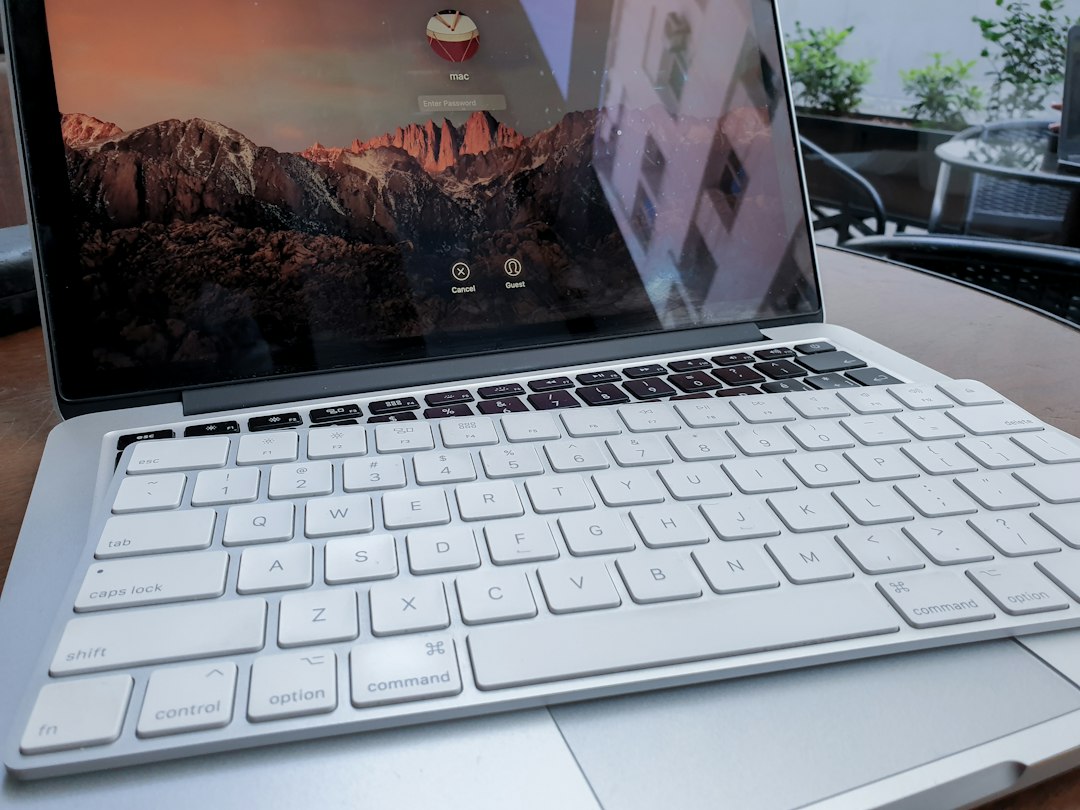
Searching for Garmin Connect for mac produces a download button, which is the confusing part. Garmin does publish Mac software, and the page it sits on looks exactly like the answer. It is not. The program on offer is Garmin Express, a device manager, and the dashboard with the graphs and the training history is a separate thing that has no Mac installer at all. Sorting out which of the three Garmin surfaces does what takes about two minutes, and after that the question stops being whether a Mac app exists and becomes where to put the one that does.
What Garmin actually ships for the Mac
Garmin Express is real, current and documented on Garmin's own site. Its stated job, in Garmin's words, is to "update maps and software, sync with Garmin Connect and register your device." The same page adds that the software notifies you when updates are available and helps you install them.
The Mac requirements listed there are worth noting before downloading, because they are not trivial. Garmin asks for OS X 13.0 or newer, a 1440 by 900 display, a USB port, 1 GB of RAM, high-speed internet access, and states that the software "may require up to 20 GB free disk space." Anyone still on OS X 10.16 or older is directed to version 7.18.x instead. The 20 GB figure exists because map files for automotive and marine devices are large, not because the application is.
Read the feature list on that page and the shape of the tool becomes clear. It updates maps, updates software, manages Connect IQ Store apps and accessory maps, updates marine charts, redeems vouchers, and fetches golf course updates. Every one of those is something done to a device. Garmin Express manages hardware. It is not a place to look at data.
The display requirement is a small clue in the same direction. A tool meant to be left open and read all day would not specify a minimum resolution of 1440 by 900; a tool that shows a progress bar during a firmware update reasonably might. Garmin also notes that the high-speed internet requirement is not satisfied by dial-up, mobile or satellite connections, which is a constraint about downloading large map files rather than about viewing a page.
The one entry that trips people up is "Sync with Garmin Connect," which Garmin describes as using Express to upload activities and wellness data to a Garmin Connect account. That is a transfer, not a display. The data moves through Express into the account, and then it is read somewhere else.
The phone app does not cross over
The obvious next thought is the iPhone app, since Apple silicon Macs can run many iPhone and iPad applications directly. That route is closed here, and the App Store listing says so plainly.
The Garmin Connect listing on the App Store is marked Only for iPhone. It is a free download of roughly 742.7 MB published by Garmin, carrying a 4.4 rating from about 58 thousand ratings, and its described purpose matches what people are looking for: reviewing tracked activities and health metrics, creating workouts, building courses, personalising the home screen, reviewing trends in metrics like heart rate and steps, and syncing with other apps including Apple Health, MyFitnessPal and Strava.
Only for iPhone is the operative label. Applications that reach the Mac through Apple's compatibility route are the ones also built for iPad, and this one is not. There is no iPad build to inherit, so there is no way to install the phone dashboard on a Mac, even on recent hardware.
That leaves exactly one place where the full dashboard runs on a Mac.
Garmin Connect Web is the Mac version
Garmin's own support documentation has a name for it, and uses that name consistently in procedures: Garmin Connect Web. It is not an unofficial workaround or a leftover. It is the supported desktop surface, and Garmin's marketing page for the service states the arrangement directly, describing Garmin Connect as the tool for tracking, analysing and sharing health and fitness activities "on mobile or web."
Garmin publishes browser support for it. The platform is tested on Macintosh and Windows operating systems and supports Apple Safari, Google Chrome, Microsoft Edge and Mozilla Firefox, with the caveat that Garmin "only supports the current version of each listed browser" and that other operating systems, browsers and versions may work but are not fully supported.
Several procedures exist only there. Garmin's instructions for manually uploading an activity that failed to sync are explicit that step two happens in Garmin Connect Web: sign in, select the cloud icon with the up arrow in the top-right corner, select Import Data, browse to the file and import it. The same document states the file limits, .fit up to 50 MB or .gpx and .tcx up to 25 MB, with fewer than 99,999 data points, and notes a Mac specific catch worth knowing in advance. Devices with music storage or MTP do not appear as a drive on a Mac, so pulling the raw file off those models requires a Windows computer even though the upload itself does not.
Course creation and editing, and removing a device from an account, are also documented as Garmin Connect Web procedures. For anyone who does that kind of work, the browser is not the fallback. It is the tool.
What the tab costs
Being a website rather than an application has one real consequence, and it has nothing to do with rendering. The dashboard looks and behaves the same either way. What differs is everything around it.
A tab has no Dock icon, no entry in the application switcher, and no separate place in Mission Control. It sits in a row with every other tab, gets closed by accident, and moves when tabs are reordered. Reaching it means finding the browser first, then finding the tab, which is two steps in place of one.
For a service checked after every workout, that adds up in a specific way. The habit that makes training data useful is looking at it consistently, and anything that puts three clicks between the intention and the graph is working against that habit. A window that is one keystroke away in the switcher is not a cosmetic improvement.
There is a second reason, narrower but common in households with more than one Garmin device. Two accounts means two sessions, and a browser signed in to one cannot show the other without signing out. Separate windows with separate cookie stores solve that; separate tabs do not.
A third reason applies to anyone who keeps a training log beside other work. A tab shares its window with whatever else is open, so a stray click during a quick check lands somewhere unrelated, and closing that window takes the dashboard with it. A window holding one address cannot wander, which is the whole point of the exercise for a service that is checked often and briefly rather than worked in for hours.
Three ways to get a window
Two of these are already installed on any current Mac. The third exists for what the first two cannot do.
Safari's route is documented by Apple. On macOS Sonoma 14 or later, opening the page and choosing File then Add to Dock saves it as a web app. Apple's support note states that a web app functions independently of Safari and shares no browsing history, cookies, website data or settings with it, and that the bundle is saved to the Applications folder of the home folder. That last detail matters on a managed work Mac, because a per user location needs no administrator password. The settings panel exposes the name, the address, the icon, whether navigation controls appear, and the title bar colour. Safari is on Garmin's supported browser list, and a Safari web app renders with the same engine.
Chrome's route is in its own help pages: the three dot menu, then Cast, save and share, then Install page as app. The resulting application belongs to the Chrome profile that built it and carries that profile's session, which saves a sign in and also removes the isolation. Two accounts means two Chrome profiles.
A dedicated site to app tool is the route when the built windows need their own icons and names, when there are several of them, or when each should open on a different screen inside the same service. The supported services list shows how that approach is applied across sites in general, and the feature list covers what a built window can be set to do.
| Route | Session | Opens on | Notes |
|---|---|---|---|
| Browser tab | Shared with the browser | Wherever it was left | No Dock icon |
| Safari, Add to Dock | Separate per app | Any address chosen | Free, macOS 14 or later |
| Chrome, Install page as app | Shared with the profile | Any address chosen | Free |
| A site to app tool | Separate per app | Any address chosen | Paid, more control |
Point it at a screen, not at the front door
This is the step that decides whether the window gets used, and it is easy to get wrong by building from the marketing page at connect.garmin.com rather than from the dashboard itself.
One detail is worth knowing before copying an address out of an old bookmark. Garmin has moved the dashboard's addresses: requests under connect.garmin.com/modern now resolve to the matching page under connect.garmin.com/app. Old links still work, they simply arrive somewhere with a different name, so a window built from a years old bookmark is not broken but is pointing at a redirect.
The reliable method is to sign in, navigate to the screen actually used most, whether that is the activity list, the calendar or a progress view, and copy the address from the browser's address bar at that moment. Build the window from that. Garmin's sign in page carries the requested destination through the login step, so a window pointed at a specific page still lands on that page after authenticating rather than dumping the visitor on a default screen.
Because a Safari built window keeps its own cookies, that sign in happens once inside the window and stays there. A second window built for a second account signs in separately and the two do not interfere.
Keep Express in its own lane
Having a dashboard window does not replace Garmin Express, and the two do not conflict. Express stays for the jobs that touch the device over a cable: firmware, maps, marine charts, Connect IQ content, golf courses, registration. It is worth launching when something needs updating and worth quitting afterwards.
The window is for reading. Activities, trends, calendar, courses, and the occasional manual file import that the phone app cannot perform. Anyone who keeps both and knows which is which stops searching for a Mac app, because both halves of the answer are already on the machine.
What to change first
Sign in to the dashboard, go to the one screen checked most often, copy that address, and build a single window from it. Give it a name that is not the service's front page and see whether the post workout check becomes a habit. The guide covers the naming and icon decisions that come up once a second window follows, and Kagemusha is the paid option for anyone who ends up wanting more than a couple.
Frequently asked questions
Is there an official Garmin Connect app for Mac?
No. Garmin publishes Garmin Express for Mac, which updates maps and software, registers devices and syncs data to a Garmin Connect account. The dashboard itself runs on iPhone and in a web browser, and Garmin's own documentation calls the desktop version Garmin Connect Web.
Can the iPhone app be installed on an Apple silicon Mac?
No. The App Store listing for Garmin Connect is marked Only for iPhone. Applications that reach the Mac through Apple's compatibility route are the ones also built for iPad, and this one has no iPad build.
What is Garmin Express for, if not for viewing data?
Garmin describes it as software to update maps and software, sync with Garmin Connect and register a device. Its listed jobs are device jobs: map updates, marine charts, Connect IQ content, golf course updates and voucher redemption. Data flows through it to the account and is read elsewhere.
Which browsers does Garmin support for the web dashboard?
Garmin states that the platform is tested on Macintosh and Windows and supports Safari, Chrome, Edge and Firefox, and that only the current version of each is supported. Other browsers and older versions may work but are not fully supported.
Will a dashboard window stay signed in?
If it is built with Safari's Add to Dock, yes. Apple documents that a web app shares no cookies or website data with Safari, so the window keeps its own session and the sign in happens once inside it.
Why do old connect.garmin.com/modern links look different now?
Because addresses under /modern now resolve to the matching page under /app. The links still work, so nothing is lost, but a window built from a current address rather than an old bookmark avoids the extra hop.