Learn
Getting the sites you live in out of the browser, on a Mac.
Free Google Calendar app for Mac: what free actually costs
Google sells no Calendar desktop app, so a free Google Calendar app for Mac means picking which free route to take. Here is what each one drops, and what paid clients charge for.
Turning Google Calendar into a standalone app on macOS
There is no Google Calendar desktop app for macOS, and reminders only fire while Calendar is open. The routes that give it a real window, and what each one costs.
Google Chrome shortcuts on a Mac: two meanings, one search
A Chrome shortcut means either a key combination or a clickable icon, and Google documents them on separate pages. Here is which one solves opening the same site all day.
Google Drive PC app: the sync client is not the Drive window
The Google Drive PC app syncs files into Finder. It does not give drive.google.com its own window, and Docs still open in a browser. Here is what each route covers.

How to use the Google Maps app on a Mac
There is no Google Maps app for macOS, so the desktop question is really about the browser. Here is what the web version does better than the phone, what it cannot do at all, and where to put it.
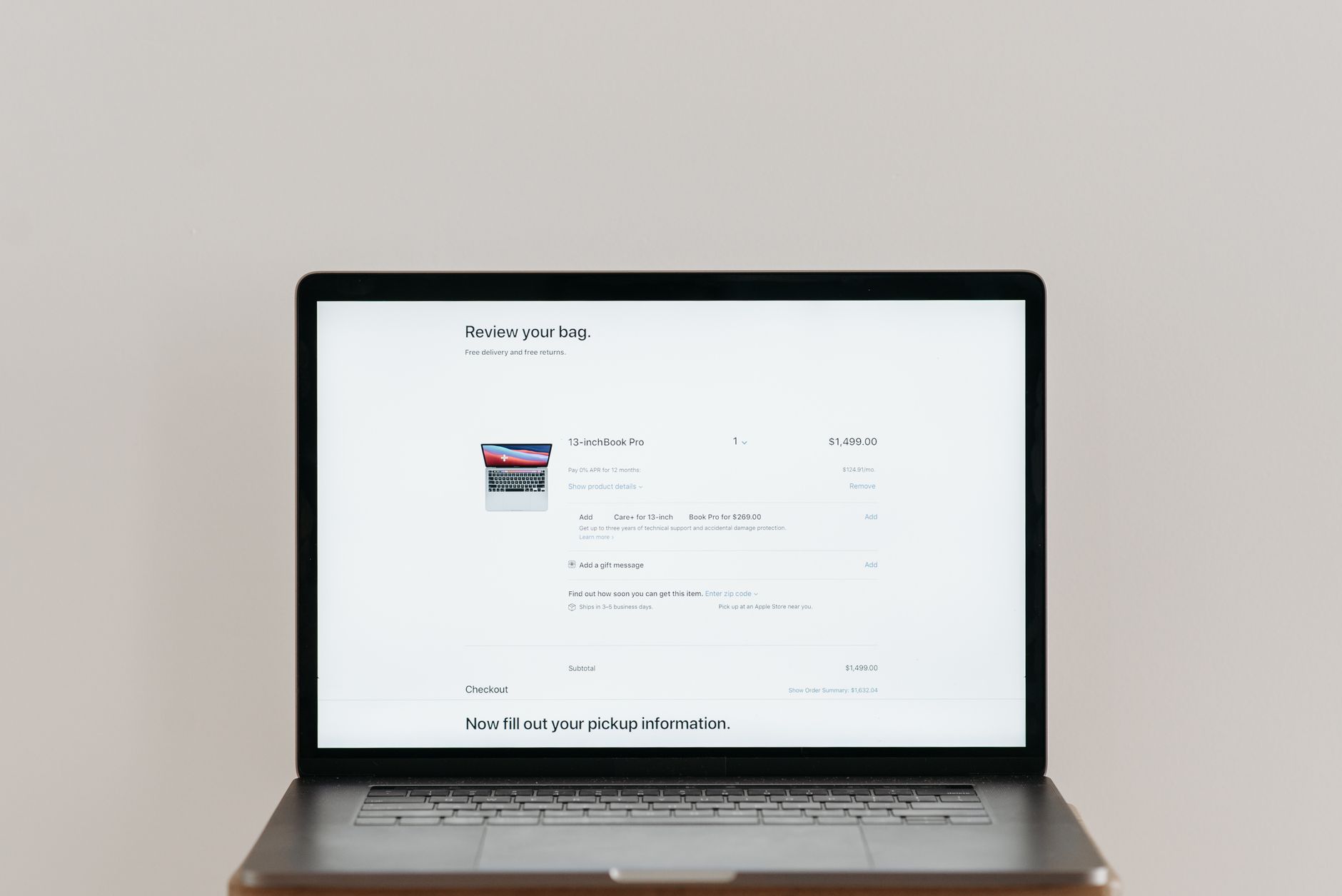
How to add an icon to the Mac Dock, and change it
How to add an icon to the Mac Dock: which side of the separator each item lands on, how to replace the picture itself, and what to do if the icon is a website.
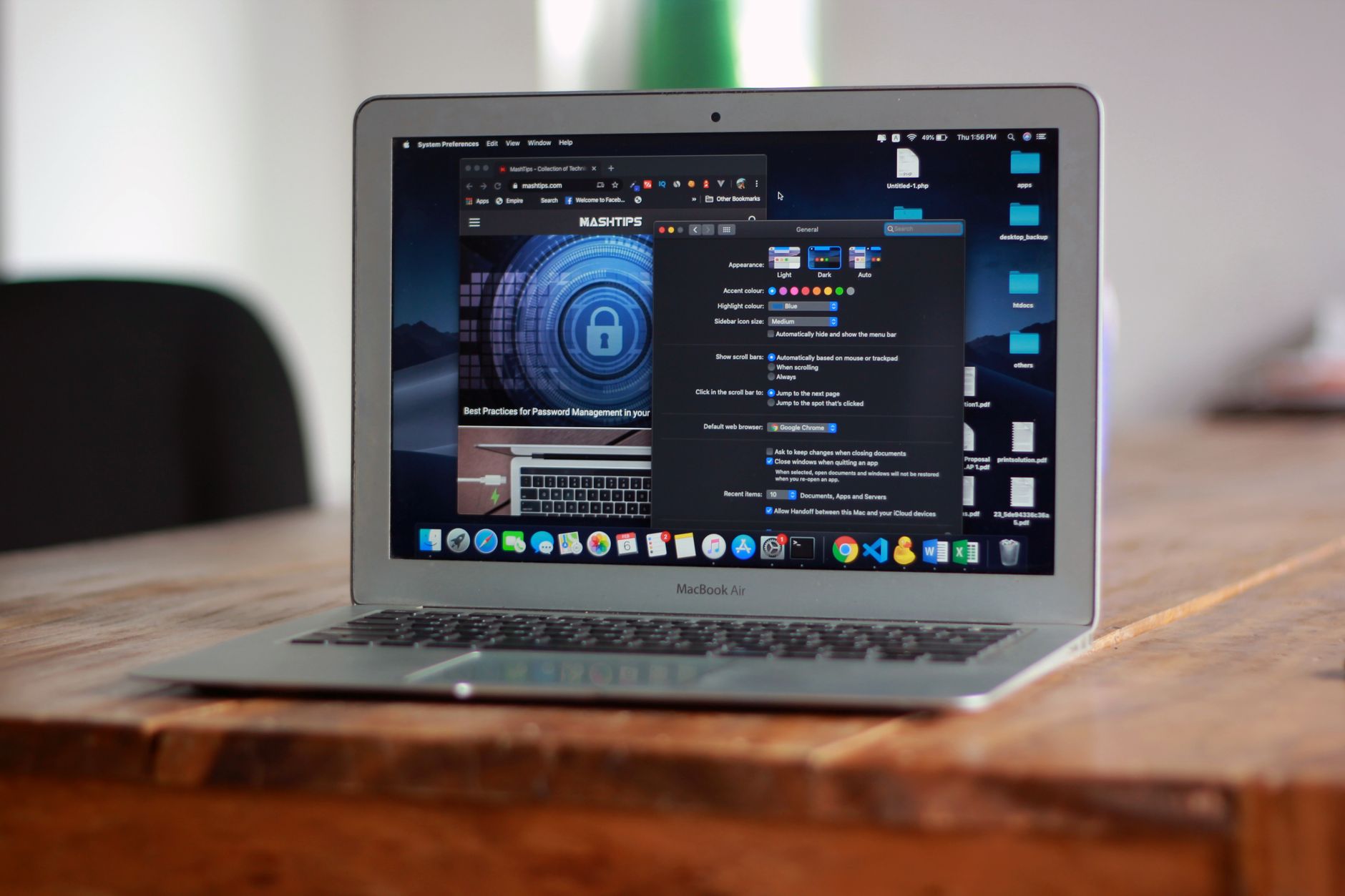
How to add a Safari site to the Mac Dock
How to add Safari to the Dock on a Mac, whether the missing item is the browser icon itself or a website that should sit there as its own app, and what each one leaves behind.

How to make a desktop app out of a website
How to create a desktop app for a website on a Mac: the four routes that exist, what each one costs in month six, and how to tell which one the job actually needs.