Kagemusha 影武者

Kagemusha

Turn any website into a standalone macOS app, powered by your browser

Kagemusha (影武者, “shadow warrior”): the body double who stands in for a lord. Here, your websites stand in as real Mac apps.

Self-healing apps: they keep working after every Chrome update.

macOS 12 and later · 32 languages · 7 browser engines supported · Free for up to 3 apps

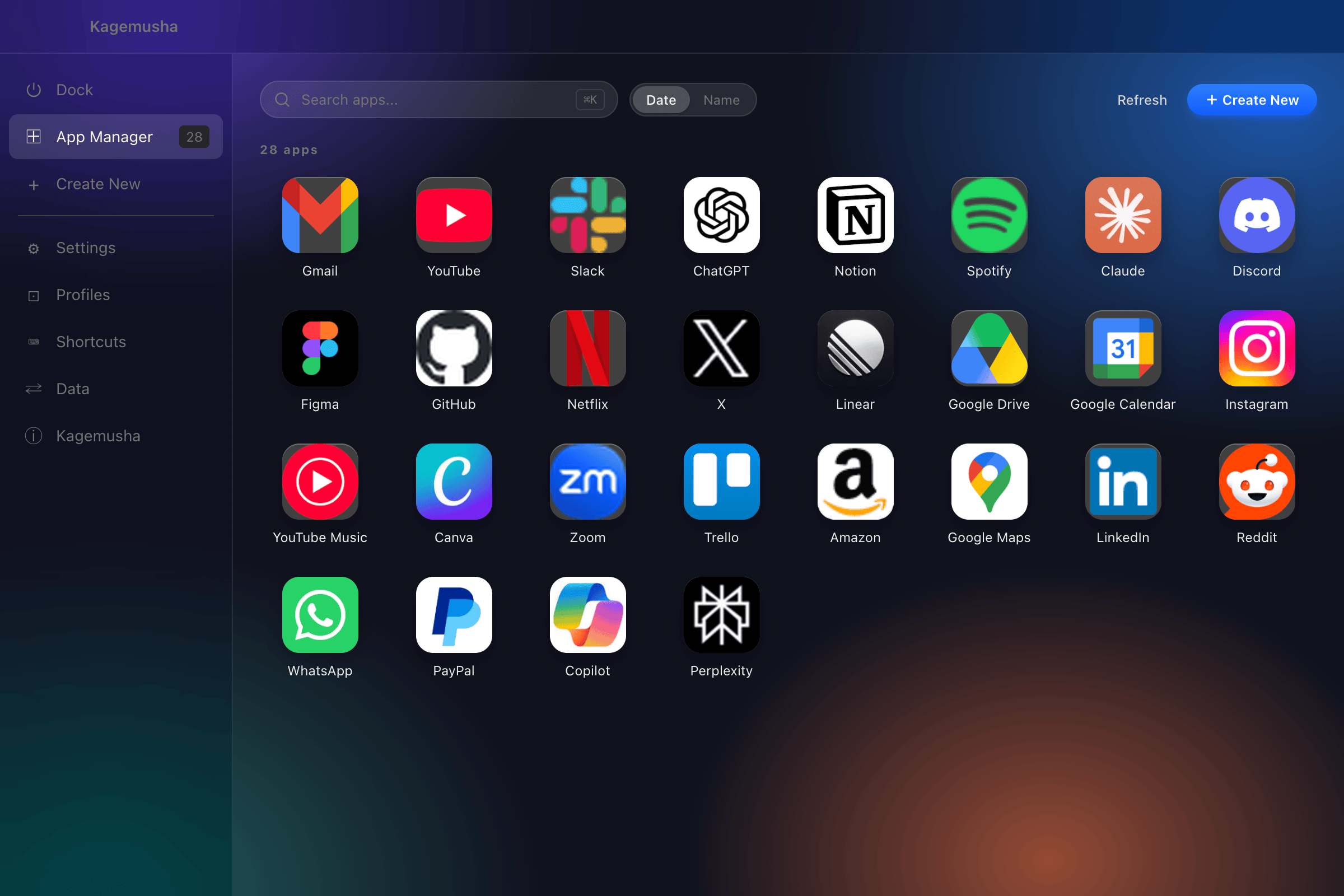
Kagemusha app list

Screenshots

Simple and intuitive UI

App list screen
NEW FEATURE

Let AI drive your apps

Your apps stay signed in, and AI such as Claude Code can drive them. You hand over one app, not your whole browser. Run as many as you like at once.

Claude Code handed over Stripe Books GitHub Analytics Amazon the rest stay out of reach

One app at a time

No need to hand over the whole browser. Give it Stripe and nothing else is within reach.

As many as you like

Each app is its own browser, so three can run at once without interfering.

Your screen stays yours

Nothing jumps to the front. Show the window or keep it hidden, your call.

NEW FEATURE

Space Mode

Combine multiple web services into a single app. Switch instantly with the icon sidebar.

My Workspace.app
Gmail
Click any icon in the sidebar to switch instantly

One-Click Switching

No more hunting for tabs. Click an icon in the sidebar to switch services instantly.

Any Combination

Gmail + Calendar + Drive, Slack + GitHub + Linear, group services to match your workflow.

Exclusive to Kagemusha

Coherence X6 ($39.99) groups sites into tabs. Kagemusha gives each one an icon in a sidebar, and includes it for free.

NEW FEATURE

Dock Launcher

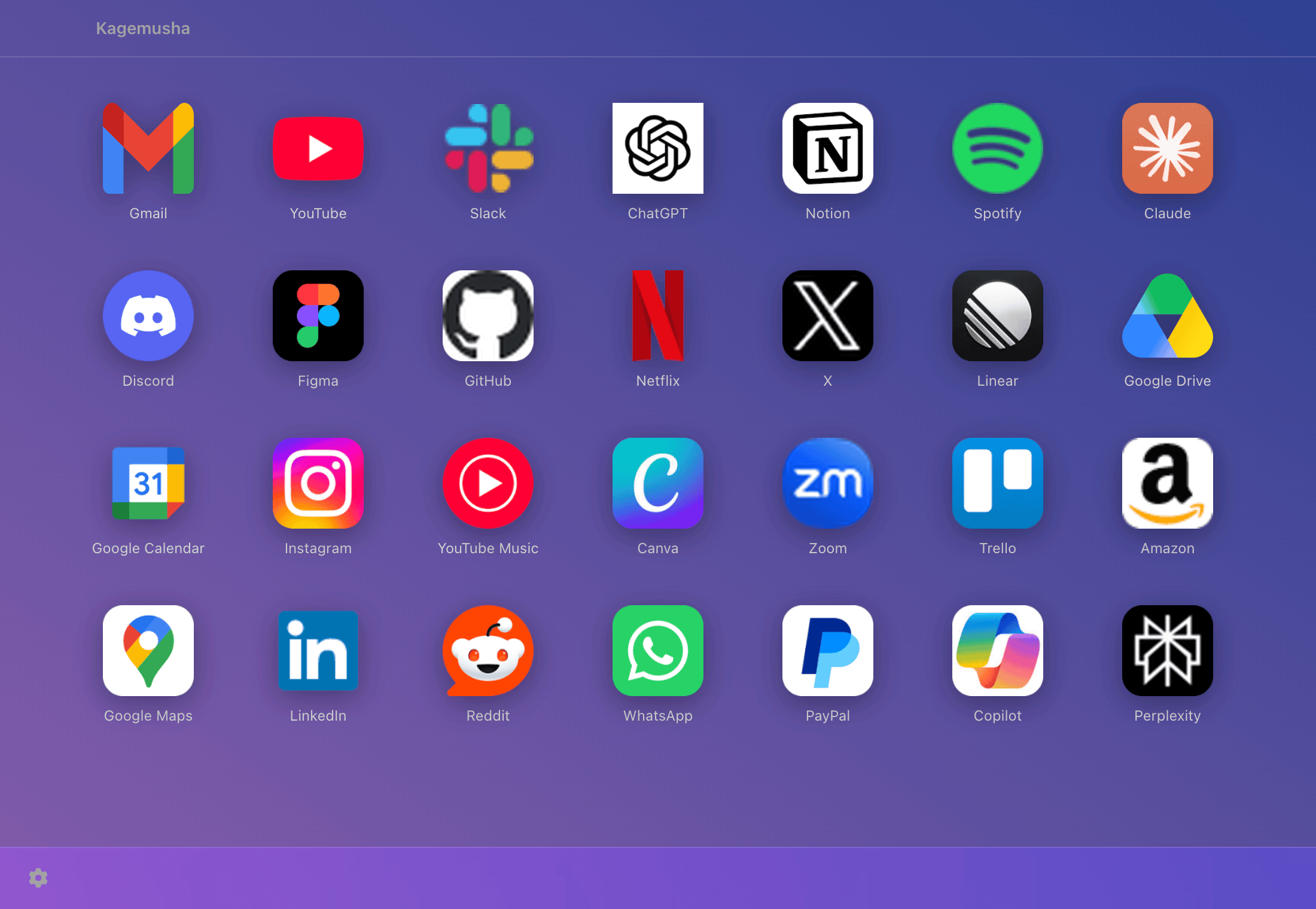
Your personal Launchpad. All your apps in one grid, one click to launch.

Dock Launcher

One-Click Launch

Click any icon to instantly open the web app. Full keyboard navigation with arrow keys + Enter.

Custom Backgrounds

12 solid colors, 12 gradients, or pick any color. Adjust window opacity from 10% to 100%.

Drag-and-Drop Reorder

Drag icons to arrange them however you like. Order is saved automatically. Search filter for quick access.

Features

A simple yet powerful web app generator

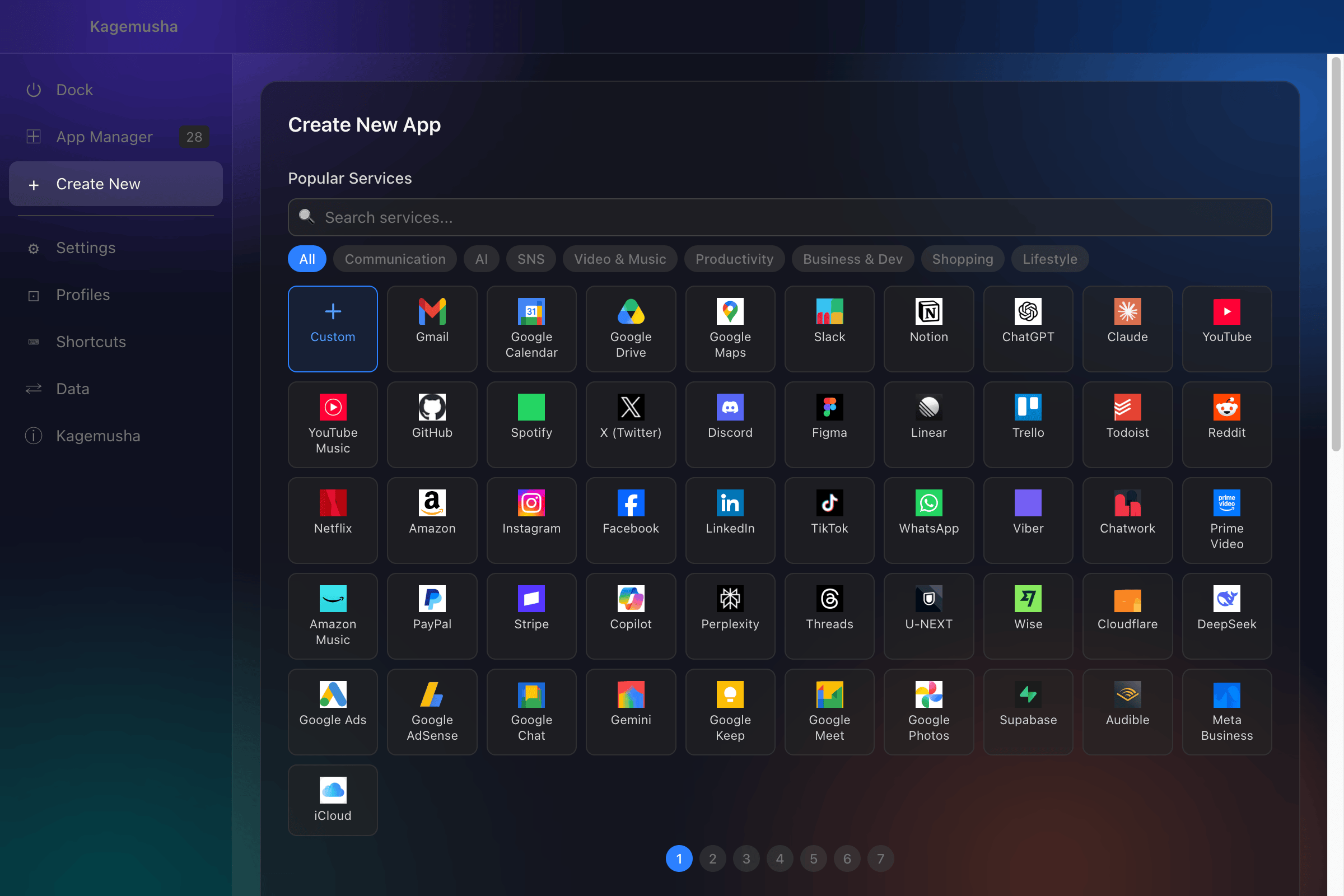
300+ Service Presets

Over 200 popular services like Gmail, Slack, ChatGPT, YouTube, Amazon, and Notion are pre-configured. Just pick one and the URL, official icon, and app name are set automatically. You can also enter any custom URL to create your own app.

7 Browser Engines

Supports Chrome, Chrome Canary, Chromium, Brave, Microsoft Edge, Vivaldi, and Opera, including two you will not find elsewhere: Opera and Chrome Canary. Choose Brave for ad blocking, Edge for Microsoft integration, Vivaldi for customization, or any other browser that fits your workflow.

Browser Extensions Support

Chrome Web Store extensions like uBlock Origin, 1Password, and DeepL Translator work out of the box. You can toggle extension support ON/OFF per app. This is the biggest advantage over Safari-based PWAs.

Profile Isolation

Each app is automatically assigned its own browser profile. Cookies, login sessions, browsing history, and cache are fully isolated between apps. Easily sign into your work and personal Google accounts simultaneously without conflicts.

Custom Icons

Choose from 300+ preset icons, upload your own image, or let Kagemusha auto-fetch the website's favicon. A macOS-native rounded corner (superellipse) mask is automatically applied so your apps blend seamlessly with native apps in the Dock and Cmd+Tab switcher.

Self-Healing After Browser Updates

Chrome updates every few weeks, and that is when most web-app wrappers lose their icons or stop launching. Kagemusha keeps your apps intact with three layers: apps follow the browser via symlinks so they always run the latest version, a background watcher detects each browser update and re-syncs every app, and a health check on launch repairs anything that drifted. No rebuilds, no manual fixes.

Tab Mode + Quick Setup

Toggle the tab bar and address bar ON/OFF per app. OFF gives you a clean single-page view; ON enables full browser-style tabs. With Quick Setup, you can open multiple URLs as tabs on launch, combine Gmail + Google Calendar + Google Drive into one app.

Tab Restore + Smart Window

Automatically restores the tabs and scroll positions from your previous session. Popup windows are controlled with 3 modes: "Block All", "Smart" (allows auth dialogs, blocks ads), and "Allow All". The quit confirmation dialog (⌘Q) can also be toggled per app.

32 Languages

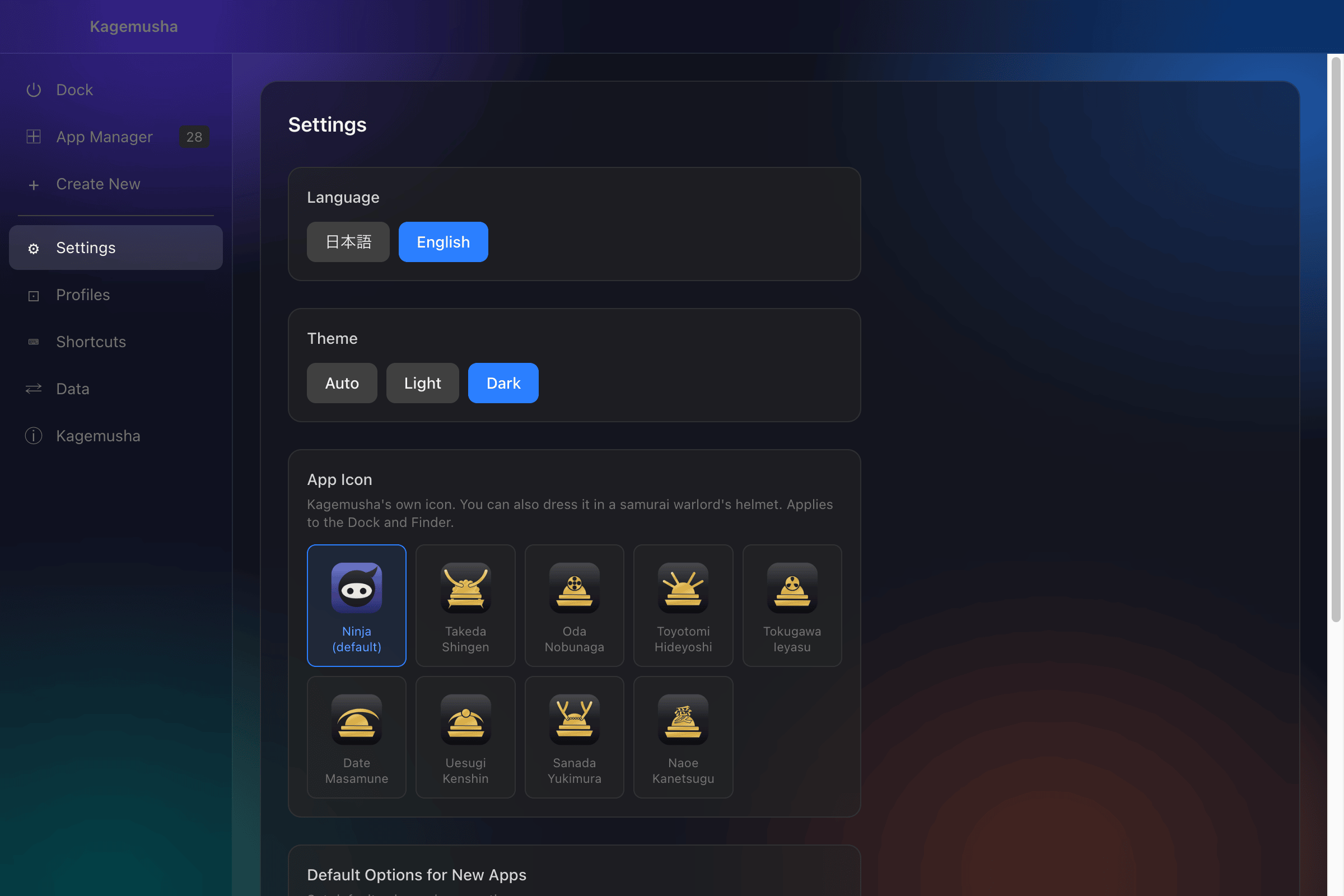
Every text in the UI is available in 32 languages. Kagemusha starts in your Mac's language, and you can pick another one in settings at any time. Choose from Light, Dark, or Auto (syncs with macOS) themes to match your preference.

日本語, English, Deutsch, Français, Español, Italiano, Nederlands, Português (Portugal), Português (Brasil), Svenska, Dansk, Suomi, Norsk bokmål, Русский, Polski, Čeština, Slovenčina, Magyar, Română, Ελληνικά, Українська, Türkçe, 简体中文, 繁體中文, 한국어, ไทย, Tiếng Việt, Bahasa Indonesia, Bahasa Melayu, हिन्दी, العربية, עברית
300+ Built-in Services

Just pick a preset. No URL input or icon setup needed, instant app creation.

You can also enter any URL to turn your favorite website into an app.

How It Works

Create a web app in 3 simple steps

1

Enter a URL

Type in the URL and app name for the website you want to turn into an app.

2

Choose an Icon

Set your preferred image as the icon. macOS-native rounded corner masks are applied automatically.

3

Create the App

Click "Create" and your .app is generated in seconds, ready to use immediately.

Pricing

Start for free. Upgrade to Pro when you need more.

Free

Get started here

$0
  • Create up to 3 apps
  • All features, no restrictions
  • Browser extensions support
  • Custom icons
Download for Free
Recommended

Pro

For power users

$24.99

One-time purchase, no subscription

  • Unlimited app creation
  • All features, no restrictions
  • Free updates throughout 1.x
  • Support ongoing development
Buy Pro

How Kagemusha Compares

What you pay over 3 years (1 Mac, personal use)

Kagemusha
$24.99
Coherence X6
$39.99
Unite Pro
$39.99
WebCatalog Pro
$180
Rambox Pro
$210
Wavebox Pro
~$300
Shift Advanced
$447

One-time prices counted once; subscriptions at 3 × annual price. Official prices as of August 2026.

Kagemusha Coherence X6 Unite Pro WebCatalog Rambox Safari (Add to Dock)
Price Free / $24.99 $39.99 $39.99 $5/mo+ $7/mo+ Free
Pricing model One-time One-time One-time Subscription Subscription ,
3-year cost $24.99 $39.99〜 $39.99〜 $180 $210 $0
Free tier Up to 3 apps 1 app, no time limit 1 app only Up to 2 apps Limited, unlimited apps Unlimited
Engines 7
Chrome / Canary / Chromium / Brave / Edge / Vivaldi / Opera
7
Chrome / Brave / Edge / Vivaldi / Helium / Chromium / Ungoogled
Safari (WebKit) Electron (bundled Chromium) Electron (bundled Chromium) Safari (WebKit)
After a Chrome update Self-healing (auto re-sync + repair) Brave breakage fixed in X6
no auto repair
N/A N/A N/A N/A
Browser extensions Supported (per app) Supported No No Pro only No
Service presets 300+ None Partial Yes 700+ None
Profile isolation Supported Supported Supported Supported Multi-login in Pro Supported
Tabs Supported (toggle) Supported Supported Supported Supported No
Notifications Supported (toggle) Supported Supported Supported Supported Supported
Incognito mode Supported No No No No No
Space (multi-service workspace) Supported No Sidebar apps Workspaces Pro only No
Dock launcher Supported No No No No No
Windows / Linux macOS only macOS only macOS only Yes Yes macOS only
Cloud sync No (export / import) No No Pro only No No

Frequently Asked Questions

FAQ

Kagemusha supports 7 browsers: Chrome, Chrome Canary, Chromium, Brave, Microsoft Edge, Vivaldi, and Opera. You only need one of them installed. When creating an app, you can choose which browser engine to use, and download links are shown for any browser not yet installed. Since Kagemusha uses symlinks to reference the browser binary, your generated apps automatically stay up to date when the browser updates.

There's no difference in features. The only distinction is the number of apps you can create. The Free plan allows up to 3, while Pro gives you unlimited app creation. Pro is a one-time purchase of $24.99, with no monthly fees. When a new major version (2.0 and later) ships, existing customers get an upgrade at a reduced price.

Safari PWAs on macOS Sonoma and later are convenient, but they don't support browser extensions and lack profile isolation. Kagemusha uses Chromium-based browsers, so extensions like uBlock Origin and 1Password work seamlessly, and each app has its own isolated cookies and login sessions. Plus, you can create apps instantly from 300+ built-in service presets.

Kagemusha is open source and its code is publicly available for anyone to review. It never modifies or copies the Chrome binary, it uses symlinks (reference links) to safely leverage your existing browser. Chrome's original signature is preserved, so macOS security checks continue to work as expected, including Touch ID and passkeys.

Profile data is stored separately from the .app bundle. Using the "Delete" option from Kagemusha's app list will cleanly remove both the .app and its associated profile data.

Kagemusha is macOS only. It depends on macOS-specific features like the .app bundle structure and the Launch Services API, so there are no plans to support other operating systems.